
 Computer & Software
Best Photo Album Software for Photographers 2026
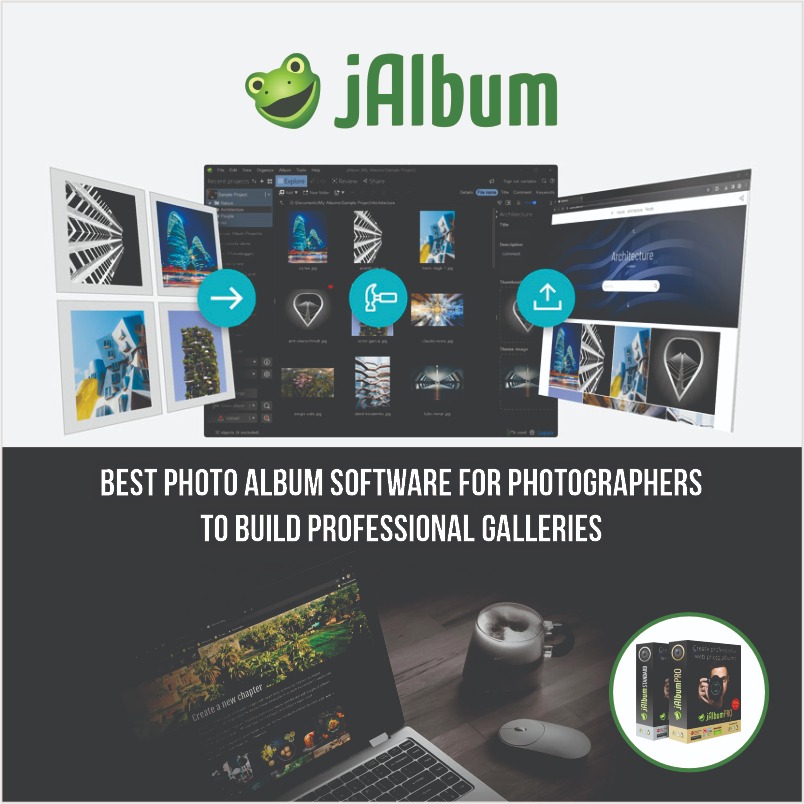
Best Photo Album Software for Photographers to Build Professional Galleries
Build Stunning Galleries, Manage Photos Efficiently & Deliver Professional Results
Photography today is not just about capturing great images — it’s about how you present, organize, and deliver them. Whether you're a professional photographer working with clients or a hobbyist building a portfolio, choosing the best photo album software for photographers can completely transform your workflow.
The right tool doesn’t just store images. It helps you create polished galleries, manage thousands of photos efficiently, and present your work in a way that feels professional and memorable.
In this guide, we’ll break down what truly matters when choosing photo album software, what features to prioritize, and which type of solution works best for different users.
What Is Photo Album Software?
Photo album software is designed to help photographers turn raw image collections into structured, visually appealing galleries.
Instead of sending folders or cloud links, you can:
- Create interactive online photo albums
- Organize images with metadata and tags
- Share galleries with clients privately
- Build a portfolio website
- Deliver a better viewing experience
This is especially important for professionals who want their work to stand out.
Why Photographers Need More Than Basic Storage
Many beginners rely on Google Drive or simple gallery apps. While those tools work for storage, they fall short when it comes to presentation and control.
Here’s what dedicated software offers:
Professional Presentation
Clients expect clean, distraction-free galleries — not messy file folders.
A proper gallery system allows:
- Full-screen viewing
- Organized albums
- Smooth navigation
Workflow Efficiency
Managing thousands of photos manually is time-consuming.
With the right software, you can:
- Batch process images
- Organize by date, event, or location
- Remove duplicates easily
Better Client Experience
For photographers, delivery matters just as much as the photos themselves.
Advanced tools allow:
- Password-protected galleries
- Download permissions
- Client proofing
Monetization Opportunities
If you sell your work, this becomes even more important.
Some platforms let you:
- Sell prints
- Offer digital downloads
- Integrate payment systems
Key Features That Define the Best Photo Album Software
Not all tools are built the same. If you're serious about your work, these features should be non-negotiable.
1. Customizable Gallery Design
Your gallery is your brand.
Look for:
- Flexible templates or themes
- Mobile responsiveness
- Slideshow options
- Clean UI/UX
A generic layout won’t leave a lasting impression.
2. Offline Photo Management
One of the biggest limitations of many modern tools is that they require everything to be uploaded first.
Desktop-based software allows you to:
- Work offline
- Edit before publishing
- Manage large collections faster
This is a huge advantage for professionals handling high volumes.
3. Built-In Editing Capabilities
Switching between multiple tools slows you down.
The best solutions include:
- Cropping and resizing
- Color adjustments
- Watermarking
- Batch editing
4. Hosting Flexibility
Many platforms lock you into their ecosystem.
Better solutions give you options:
- Host on your own domain
- Or use built-in hosting
This flexibility ensures long-term control over your work.
5. Secure Client Galleries
For client work, privacy is critical.
Look for:
- Password protection
- Private sharing links
- Controlled downloads
Types of Photo Album Software (And Which One You Need)
Understanding the different types will help you choose smarter.
Desktop-Based Software
These tools give you maximum control and flexibility.
A great example is jAlbum — widely used by photographers who want full ownership of their galleries.
With this type of software, you can:
- Build galleries offline
- Upload to any hosting provider
- Customize everything from layout to navigation
If you're considering using it, you can also explore available savings at Album Coupon Codes
Cloud-Based Platforms
These are easier to use but come with trade-offs.
Pros:
- Quick setup
- No installation
Cons:
- Limited customization
- Ongoing subscription costs
- Platform dependency
Hybrid Solutions
Some tools combine offline editing with cloud hosting.
They offer:
- Better performance
- Flexible workflows
- Scalability
Why jAlbum Stands Out for Photographers
When comparing different tools, jAlbum consistently stands out for photographers who want control, flexibility, and professional-grade features.
Here’s why:
Complete Ownership of Your Work
Unlike many platforms, jAlbum doesn’t lock your content into one system.
You can:
- Host galleries anywhere
- Move your content freely
- Maintain long-term control
Built for Real Workflows
Because it’s desktop-based, you can:
- Organize photos locally
- Work faster with large libraries
- Avoid constant uploads
Advanced Customization
With skins and themes, you can:
- Create unique gallery designs
- Match your personal brand
- Offer a premium client experience
Sell Photos Directly
For professionals, this is a major advantage.
You can:
- Add a shopping cart
- Sell digital or printed images
- Manage pricing easily
Scales With Your Needs
You can start simple and upgrade as your work grows — without switching platforms.
Who Should Use Photo Album Software?
This depends on your goals.
Professional Photographers
Need client galleries, branding, and monetization tools.
Hobbyists & Creators
Want to organize memories and build personal albums.
Businesses & Agencies
Require scalable solutions for large image collections.
Explore More Photography Tools
If you’re building your toolkit or comparing creative solutions, you can explore more here at Photography Category available on CouponFlick.
This section includes tools, platforms, and creative products relevant to photographers and digital creators.
Final Thoughts
Choosing the best photo album software for photographers is not about picking the most popular tool — it’s about choosing the one that fits your workflow.
If you value:
- Control over your galleries
- Professional presentation
- Flexible hosting
- Efficient image management
Then a solution like jAlbum is worth serious consideration.