
 Mobile Phones & Accessories
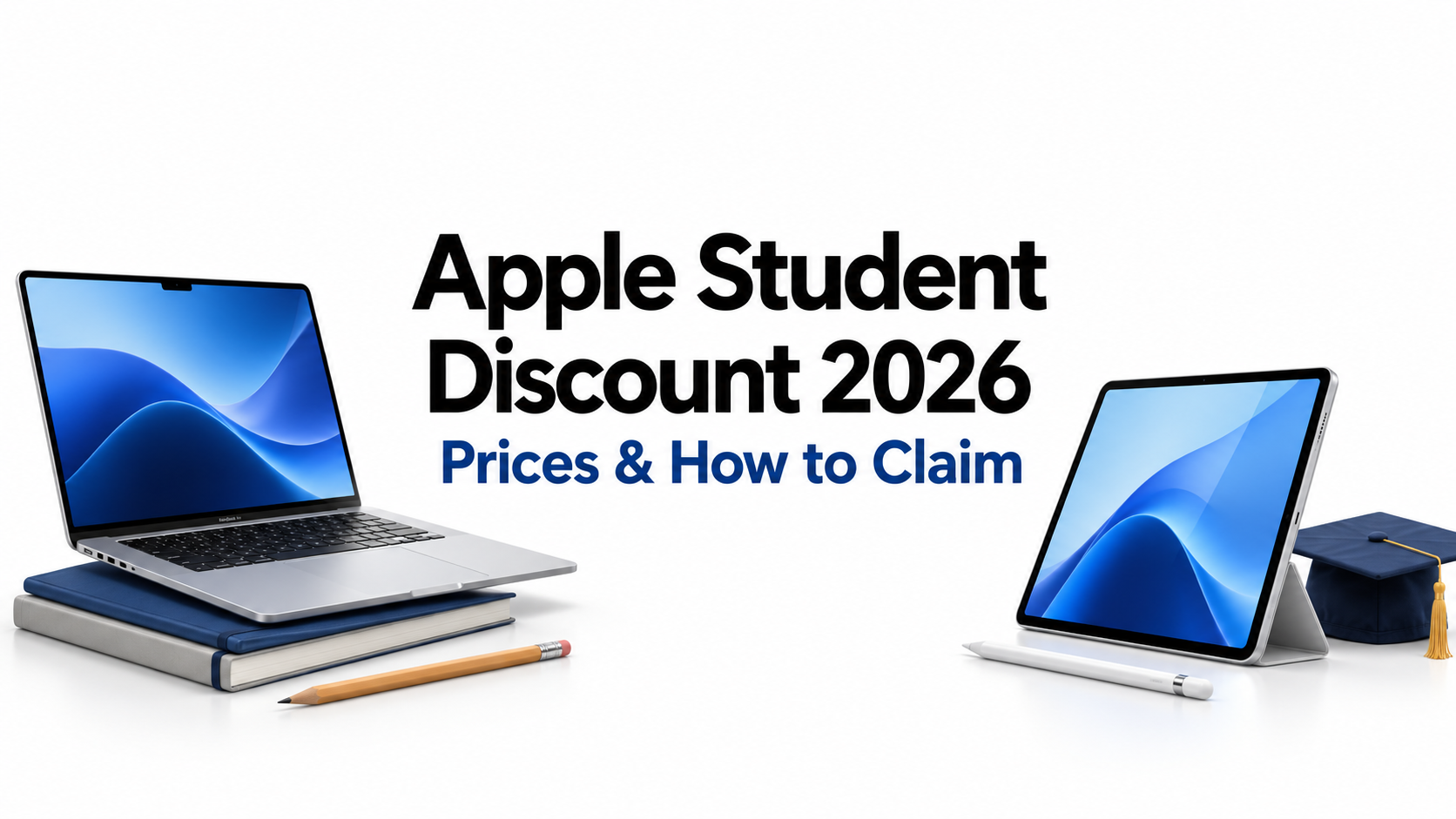
Apple Student Discount 2026
Apple Student Discount 2026: Full Price List + Back-to-School Tips
The Apple student discount can make a new MacBook or iPad more affordable, especially when you are preparing for college. Instead of paying the regular retail price, eligible students, parents, and educators can shop through Apple's Education Store for special pricing. During selected back-to-school promotions, Apple may also include a gift card with qualifying purchases.
But how much do you actually save? And should you buy directly from Apple or wait for a better retailer offer?
This guide covers Apple's 2026 education prices, eligibility rules, student verification, and back-to-school promotions. You'll also learn how to compare offers through CouponFlick before spending money on a new laptop, tablet, or college accessory.
Apple student discount: how much you save
Apple does not offer one fixed student discount percentage across every product. Instead, it lists special education prices for eligible devices. The amount you save depends on the model, screen size, and configuration you choose.
For example, Apple's US Education Store lists the 13-inch MacBook Air with M5 from $1,199 and the 11-inch iPad Air with M4 from $699. These are education starting prices, not extra discounts you apply at checkout.
There are three main ways students can reduce their Apple spending:
- Education pricing: Lower listed prices on eligible Apple products.
- Back-to-school promotions: Limited-time gifts or offers with qualifying purchases.
- Trade-in credit: Additional value from an eligible old device, depending on its condition and Apple's assessment.
The biggest mistake is assuming that a student discount automatically makes Apple the cheapest place to buy. A retailer may occasionally offer a lower price on the same model.
Before ordering, compare the exact storage, chip, memory, and final checkout cost. A $100 price difference means little if the cheaper laptop has less memory than the one you actually need.
Who qualifies
Apple's US education savings are available to more than just students who already attend college.
Eligible buyers include:
- Current college and university students.
- Students who have been accepted into college.
- Parents purchasing for eligible college students.
- Faculty and staff at qualifying educational institutions.
- Teachers and eligible homeschool educators.
A high school student shopping independently does not automatically qualify just because they are studying. However, an accepted college student may qualify before classes begin, and eligible educators can qualify under separate rules.
Parents should also understand that the purchase must meet Apple's education eligibility terms. Being a parent alone does not make every Apple purchase eligible.
The program is intended for education-related personal purchases, and Apple places quantity limits on certain product categories.
If you are unsure whether you qualify, check Apple's current education purchasing terms before choosing your device. It is better to confirm eligibility early than to reach checkout and discover that additional verification is required.
Education price list (MacBook, iPad; verify live)
Apple education pricing changes when new products launch, so older student price lists can become misleading. The following table uses US Education Store starting prices checked in October 2026.
|
Apple product |
Education starting price |
Best suited for |
|
MacBook Neo |
$599 |
Everyday college tasks on a smaller budget |
|
MacBook Air 13-inch M5 |
$1,199 |
Essays, research, online classes, and general use |
|
MacBook Air 15-inch M5 |
$1,399 |
Students who want a larger display |
|
MacBook Pro M5 |
$1,899 |
Demanding creative and technical work |
|
iPad (A16) |
$429 |
Notes, reading, and everyday tablet use |
|
iPad mini |
$549 |
Reading and portable study |
|
iPad Air 11-inch M4 |
$699 |
Notes, drawing, and multitasking |
|
iPad Pro |
$1,099 |
Advanced drawing and demanding tablet tasks |
These are starting prices, not guaranteed prices for every configuration. Extra storage, memory, cellular connectivity, and accessories can increase the total. Prices also exclude applicable taxes.
MacBook student discount: which model is worth it?
For many college students, the MacBook Air is the practical middle ground. It provides enough performance for research, writing, video meetings, presentations, and everyday multitasking.
The MacBook Neo offers a lower starting price for students who mainly use a browser, documents, and learning platforms. However, compare its specifications and ports with the Air before deciding.
The MacBook Pro is better suited to students who genuinely need more demanding software for video editing, design, development, or other intensive work. Paying more for a Pro makes little sense if most of your work happens in a browser.
When comparing a macbook student discount, check the regular retail price of the same configuration rather than comparing two different laptops.
iPad student discount: which one should you buy?
The standard iPad is a sensible choice for students who want digital notes, textbooks, video lessons, and light schoolwork.
The iPad Air is worth considering if you use drawing apps, multitask regularly, or want more performance for creative projects. The iPad Pro costs more and is harder to justify for basic studying.
Remember that an Apple Pencil or keyboard can change your budget considerably. A lower-priced iPad with expensive accessories may end up costing more than expected.
CouponFlick tip: Decide which features you actually need before looking for a discount. Saving money on the wrong model is not a good deal.
How to claim and verify
You do not need to search for a public coupon code to unlock Apple's education prices. Eligible shoppers can access the pricing through the Apple Education Store.
Here is how the process works.
- Visit the US Apple Education Store.
- Select an eligible Mac, iPad, or other qualifying product.
- Choose the model, storage, and other specifications.
- Complete the requested student or educator verification.
- Review the education price, delivery details, and final order total.
- Complete checkout once your eligibility is confirmed.
Does Apple use UNiDAYS?
Yes. Apple's US education purchasing guidance identifies UNiDAYS as a verification method for education savings, including online and in-store purchases.
The apple unidays process may require you to confirm your student or educator status using supported documents or account information.
Apple also states that shoppers who sign in with their Apple Account before verification can remain verified for one year.
Verification requirements can change, so follow the instructions shown during your purchase rather than relying on an older guide.
Can you use an Apple promo code too?
Education pricing is already built into the eligible product's price. It is not normally a coupon code that you enter into a promotional box.
A separate retailer discount may be useful if you decide to buy somewhere else, but do not assume that an outside coupon can be applied to Apple's own education checkout.
This is why comparing CouponFlick offers with Apple's education price is worthwhile. You can check whether a retailer promotion makes the same device cheaper without confusing two different discount programs.
Back-to-school promo explained
The Apple back to school 2026 promotion is separate from Apple's regular education pricing.
Apple typically runs a seasonal education offer during the summer, often around June through September in the United States. Eligible purchases may include an Apple Gift Card or another promotional benefit, depending on the year's terms.
During its 2026 promotion, Apple advertised gift-card offers with selected Mac and iPad purchases. The promotional benefit depended on the qualifying product.
A gift card is not the same as an immediate reduction in the device's purchase price. If you buy a $1,199 laptop and receive a $100 gift card, you still need to pay the qualifying purchase price. The gift card provides value toward a separate eligible purchase.
Should you buy now or wait?
If your current laptop is unreliable and classes have already started, waiting several months for a seasonal gift card may not be practical.
However, if you are planning a summer purchase and your current device still works, waiting for the next announced back-to-school offer could be worthwhile.
Consider these factors before buying:
- Timing: Will you need the device before the next promotion?
- Eligibility: Does your chosen model qualify for the seasonal offer?
- Gift-card value: Will you actually use the card?
- Retailer pricing: Is another store already offering a larger direct discount?
- Product availability: Is the model and configuration you want in stock?
As of October 2026, do not assume the summer promotion is still available. Check Apple's published terms and current promotional dates before ordering.
For additional ways to reduce college expenses, CouponFlick'sstores with student discounts guide can help you explore offers beyond Apple's own program.
Stack it: trade-in + student pricing
One of the most useful ways to lower your Apple spending is to combine education pricing with an eligible trade-in.
Apple Trade In allows customers to exchange qualifying devices for credit toward a new purchase. The value depends on the device, its condition, and Apple's assessment.
For example, imagine that the education price of your chosen MacBook is $1,199 and Apple offers $250 for your old device. If the full trade-in credit is applied toward your purchase, the effective device cost would be $949 before taxes and other charges.
That is only an illustration, not a guaranteed trade-in quote.
How to get the most from a trade-in
Start by checking Apple's estimated trade-in value for your current device. Be accurate about its condition, because the final amount can change after inspection.
Then compare that estimate with the amount you might receive by selling the device yourself. A private sale may sometimes bring more money, although it takes extra time and effort.
Also remember that financing, payment method, and trade-in timing can affect how the credit is handled.
Do not subtract a promotional gift card from the purchase price as though it were cash at checkout. Keep your calculations separate:
Education price − applicable trade-in credit = estimated purchase cost.
Any gift-card benefit should be treated as additional value, subject to its terms.
If you are also buying software, study supplies, or accessories, browse CouponFlick's100+ brands offering student deals guide to identify other places where your college budget may go further.
Other student tech deals
Apple education pricing is useful, but college shopping rarely ends with a laptop or tablet. You may also need headphones, a protective case, a keyboard, software, or online security tools.
Instead of buying everything directly from Apple, compare prices across different retailers.
Check Best Buy before buying an Apple device
Best Buy regularly sells Apple laptops, tablets, and accessories, making it worth checking alongside Apple's education prices.
CouponFlick'sBest Buy student deals page can help you review listed promotions and savings opportunities. Check the exact product and offer conditions before deciding whether a retailer price beats Apple's education rate.
Save on college accessories
Accessories are easy to overlook when planning your budget. A keyboard, sleeve, mouse, or stand may not seem expensive individually, but the combined cost adds up.
For example, if you buy an iPad mainly for typing assignments, you should include the keyboard cost when comparing it with a laptop.
You can explore CouponFlick offers forlaptop sleeves and keyboards when planning these extra purchases. Confirm the product selection and compatibility before ordering.
Look at software and online tools
Students often use cloud storage, video meeting apps, research tools, and other online services. Some have free plans, while others charge monthly or yearly fees.
If you need a VPN for your own use, CouponFlick'sExpressVPN discount page is another place to check for available promotions. Compare the subscription term and renewal price before signing up.
The important point is to avoid paying for every service immediately. Check whether your college already provides the software you need.
Build a realistic student tech budget
A useful college budget should cover the complete setup, not just the device.
For instance, you might choose a lower-priced MacBook and keep money available for a backpack, external storage, or required course software. Alternatively, an iPad and keyboard may suit your course better.
Before checkout, compare the Apple education price, available retailer offers, and any verified promotions shown on CouponFlick. This gives you a clearer view of what you will actually spend.
FAQs
Who qualifies for the Apple student discount?
Eligible buyers in the US include current college students, students accepted into college, parents purchasing for eligible students, and qualifying teachers, faculty, staff, and homeschool educators. Apple may require verification before checkout.
Does the Apple student discount cover iPhone?
Apple's US education purchasing program generally focuses on eligible education products rather than iPhone discounts. Mac and iPad are central categories, although Apple's current education store also lists some other eligible products. Check the current product listing before assuming a device qualifies.
Can I combine the student discount with a trade-in?
Yes. Eligible shoppers can use Apple Trade In alongside education pricing. The amount of credit depends on the device and its condition, and the final credit is subject to Apple's assessment and purchase terms.
When is Apple's back-to-school promo?
In the United States, Apple's seasonal education promotion usually takes place during the summer, commonly between June and September. Exact dates, eligible devices, and promotional benefits can change each year. Check the official offer terms before making a purchase.
Final takeaway: Apple's student pricing is a useful starting point, but the smartest purchase comes from comparing the exact device, trade-in value, seasonal benefits, and retailer offers. Before buying your next MacBook, iPad, or college accessory, check CouponFlick for savings that may help you spend less on your complete student setup.
Pro Tip: Compare Apple’s education price with retailer offers for the exact same model, storage, and memory. Include essential accessories in your budget, and only count a promotional gift card as savings if you’ll actually use it—it won’t reduce what you pay for the device at checkout.

About Liza Kavin
Liza Kavin is a content strategist and marketer who helps brands captivate their audiences through compelling, scroll-stopping storytelling. She’s partnered with companies like Boosted Commerce, Mashable, and Motherly to turn high-impact growth strategies into real revenue. When she’s not working, she’s likely planning her next points-funded trip, lost in a good book, or tracking down the best deal in sight.